Most companies start their AI journey the same way: someone plugs ChatGPT into a workflow and something useful happens. A support ticket gets summarized. A blog draft appears. A spreadsheet gets analyzed. It works. Everyone gets excited.
Then six months later, you've got 15 disconnected AI tools across four departments, no shared context between any of them, three teams paying for overlapping model subscriptions, and nobody can tell you what data is flowing where. Sound familiar?
The problem isn't AI adoption. According to McKinsey's 2025 State of AI report, 88% of organizations use AI in at least one business function. The problem is architecture. Or more accurately... the total absence of it.
This post breaks down what a real AI workflow architecture looks like for a growing enterprise. Not theoretical. Not a vendor pitch. The actual layers, patterns, and decisions you need to make if you want AI that scales with your business instead of becoming technical debt.
Why Most Enterprise AI Fails: The Missing Middle
There's a gap in how companies think about AI. They invest in two things: individual AI tools (the "buy a subscription" approach) and moonshot AI projects (the "let's build a custom model" approach). What they skip is the middle layer... the orchestration, routing, and governance infrastructure that connects everything together.
Think of it like building construction. Individual AI tools are appliances. Custom models are specialty materials. But without the electrical, plumbing, and structural engineering, you've just got a pile of expensive equipment sitting in a field.
Gartner predicted that 30% of generative AI projects would be abandoned after proof of concept by the end of 2025 due to poor data quality, inadequate risk controls, escalating costs, or unclear business value. Having built and operated AI systems across multiple enterprise environments, I can tell you the root cause behind most of those failures is the same: no architecture. Teams built demos, not systems.
The Five Layers of Enterprise AI Workflow Architecture
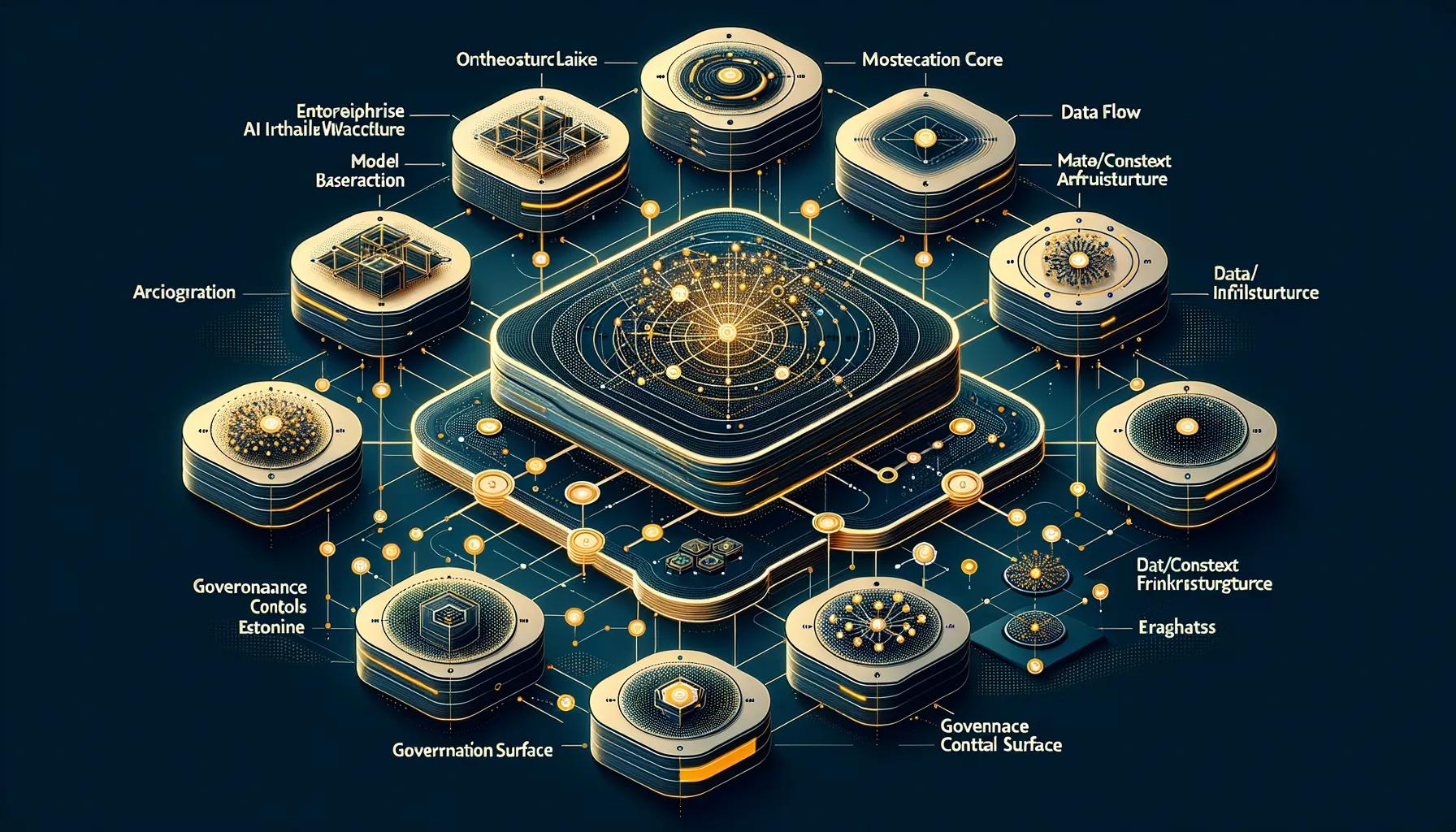
Every scalable AI workflow system we've built or audited shares the same five-layer structure. You can implement them incrementally; you don't need all five on day one. But you need to know where you're headed.
Layer 1: The Trigger Layer
This is where workflows begin. Something happens in your business and it kicks off an AI process. Triggers come in three flavors:
- Event-driven. A new support ticket arrives. A deal moves to a new stage. A document gets uploaded. The system detects the event and starts the workflow automatically.
- Scheduled. Every morning at 8am, summarize yesterday's metrics. Every Friday, generate the weekly client report. Cron jobs for the AI era.
- Human-initiated. Someone asks a question, clicks a button, or submits a request. The simplest trigger and the one most companies start with.
The mistake most teams make here is hardcoding triggers into individual workflows. When you have 5 workflows, that's manageable. When you have 50, it's chaos. A proper trigger layer abstracts event detection from workflow execution. Your CRM webhook shouldn't know or care which AI workflow it's feeding.
Layer 2: The Orchestration Layer
This is the brain of the system and where most enterprises are completely missing. The orchestration layer decides: what model handles this request? What context does it need? What tools can it access? What happens if it fails?
We've written extensively about how model orchestration cuts AI costs by 70%. The short version: routing every request to your most expensive model is like shipping every package via overnight express. Most of them don't need it.
A good orchestration layer handles:
- Model routing. Simple data lookups go to scripts or lightweight models. Research and analysis go to mid-tier models. Complex coding and architecture tasks go to the heavy hitters. We use a four-tier system that sends 40% of requests to deterministic scripts with zero LLM tokens.
- Context management. Every AI call needs context... but not all the context. Lazy loading pulls in only what's relevant for each specific task. This alone can cut token costs by 40%.
- Tool access. The orchestrator decides which tools (APIs, databases, file systems) each workflow step can access. This is both a cost optimization and a security boundary.
- Failure handling. Circuit breakers, retry logic, fallback models, and human escalation paths. When step 3 of a 7-step workflow fails, what happens? If your answer is "the whole thing crashes," you don't have an orchestration layer.
The Deloitte 2026 State of AI in the Enterprise report found that companies broadened workforce access to AI by 50% in just one year. That kind of rapid expansion makes orchestration non-negotiable. You can't have hundreds of people hitting expensive models with unoptimized prompts and no routing logic.
Layer 3: The Integration Layer
AI workflows don't exist in isolation. They need to read from and write to your existing systems: CRM, project management, communication tools, databases, file storage, analytics platforms. The integration layer handles these connections.
There are two approaches, and the right one depends on your scale:
API-direct integrations are purpose-built connections between your AI system and each external service. They're faster, cheaper per execution, and give you full control. But each one requires engineering effort. We maintain a library of 66 scripts across 17 services for exactly this reason... deterministic integrations that never hallucinate API responses because they never ask a model to generate them.
Platform-mediated integrations use tools like Zapier or Make as the connection layer. They're faster to set up and require less engineering. But they add latency, cost per execution, and a dependency you don't control. We covered the tradeoffs in detail in our Zapier vs. custom workflows comparison.
For growing enterprises, the answer is almost always hybrid. Use platform integrations for non-critical, low-volume connections. Build custom integrations for the high-traffic, business-critical paths. Plan the graduation from one to the other before you need it.
Layer 4: The Governance Layer
This is the layer that separates prototypes from production systems. Governance covers: who can access what, what data flows where, how decisions get audited, and what happens when something goes wrong.
I know governance sounds like a corporate buzzword. It's not. It's the reason your AI system is still running in 12 months instead of getting shut down after a data incident.
The NIST AI Risk Management Framework breaks governance into four functions: Govern, Map, Measure, and Manage. That's a solid foundation. In practice, here's what governance looks like day-to-day:
- Workflow inventory. A living catalog of every AI workflow in production. What it does, what data it touches, who owns it. You'd be shocked how many companies can't answer "how many AI workflows are we running?"
- Risk tiering. A chatbot suggesting blog topics doesn't need the same oversight as an agent processing financial transactions. Classify your workflows and apply proportional controls.
- Audit trails. Every AI decision should be reconstructable. Input, prompt, model response, tool calls, final output. All logged. This isn't just compliance; it's how you debug and improve.
- Access controls. Least privilege, same as any system. An AI workflow that summarizes emails shouldn't have write access to your CRM.
We go deeper on this in our post about monitoring and governing AI workflows over time. The key takeaway: start with observability, then layer governance on top. You can't govern what you can't see.
Layer 5: The Observability Layer
Traditional APM tools will tell you if your AI endpoint returns a 200. They won't tell you if it's returning a wrong 200. AI workflows need their own observability stack.
What to monitor:
- Token consumption per task. Not just total... per workflow, per step, per model. A sudden spike means something is looping or context is bloating.
- Cost per task distribution. Know your P50, P90, and P99. A task that should cost $0.05 occasionally costing $5.00 is a problem you need to catch before it becomes your entire monthly bill.
- Output quality scores. Automated evals against known-good outputs, plus human-in-the-loop sampling on 1-5% of production traffic. Quality degrades slowly; if you're not measuring it, you won't notice until users complain.
- Completion rates. What percentage of workflows reach a successful end state vs. timeout, error, or human escalation? This is your single most important operational metric.
- Latency by stage. Decompose end-to-end latency into model inference, tool calls, and orchestration overhead. The bottleneck is never where you think it is.
Forrester's 2026 enterprise software predictions describe a shift from digital tools that help employees to a digital workforce of AI agents. When AI isn't just assisting but operating, observability becomes as critical as it is for your production infrastructure. You wouldn't run a database without monitoring. Don't run AI workflows without it either.
The Architecture in Practice: A Real Example
Let me walk through how these layers work together in a real workflow we've built... automated client health scoring.
Trigger: Every Monday at 7am, a scheduled job fires.
Orchestration: The orchestrator evaluates the task and routes it to Sonnet (mid-tier model) because it's an analysis task, not a coding task. It loads the client health skill definition and relevant memory files. No expensive model needed.
Integration: The workflow pulls data from five sources via direct API scripts: Stripe (revenue data), GitHub (delivery velocity), Jira (open tickets and sprint health), Slack (communication frequency), and a Supabase database (historical scores). Each integration is a deterministic script. Zero LLM tokens burned on data retrieval.
Processing: Sonnet analyzes the aggregated data, scores each client on five dimensions, identifies trends and risks, and generates a summary with recommended actions.
Governance: The workflow's output is logged with full audit trail. The scoring model's reasoning is preserved. Access to client financial data is scoped to this specific workflow. Results go to the account team only.
Observability: Token count, latency, and data freshness are tracked. If any integration fails, the circuit breaker stops the workflow and alerts a human rather than producing a partial score. Weekly eval runs compare new scores against historical patterns to catch drift.
Total cost per run: about $0.08. Total time: under 30 seconds. This used to be a 2-hour manual process every Monday morning. That's the kind of ROI that justifies the architecture investment.
Common Architecture Mistakes (and How to Avoid Them)
After building these systems across multiple enterprise environments, certain anti-patterns come up again and again.
Mistake 1: Building a Monolith
Teams build one giant AI system that does everything. Content generation, data analysis, customer support, internal tools... all crammed into a single workflow with a single model and a single prompt that's 4,000 tokens long.
This is the same mistake the software industry made with monolithic applications in the 2000s. It works at first. It becomes unmaintainable fast. When your content generation prompt change breaks your customer support workflow, you've got a monolith problem.
Fix: Decompose into specialized workflows that share infrastructure but maintain independent logic. Each workflow has its own prompts, tools, and quality checks. The orchestration layer connects them; it doesn't merge them.
Mistake 2: No Context Strategy
Every workflow gets the full context dump. Company docs, conversation history, all available data. Token costs explode. Response quality actually decreases because the model is drowning in irrelevant information.
Fix: Lazy context loading. Index what's available; load only what's relevant. We use a pattern called Index, Registry, Resource. The orchestrator checks an index, identifies what's needed, loads only that resource. Base context stays under 15k tokens for most requests. Our early naive approach was pushing 27k+ tokens before the model even started working.
Mistake 3: Skipping the Script Layer
Every request goes to an LLM, even when the answer is a deterministic data lookup. "What's our MRR?" doesn't need reasoning. It needs a database query. Sending it to Claude Opus costs 8,000 tokens and 45 seconds. A bash script does it in 3 seconds with zero tokens.
Fix: Build a script library for your most common integrations. In our system, 40% of all requests hit deterministic scripts with zero LLM tokens. This is consistently the single highest-ROI architectural decision.
Mistake 4: Governance as an Afterthought
The team builds fast, ships fast, gets great results... and then legal asks "what data are we sending to OpenAI?" and nobody can answer. The EU AI Act takes full effect in August 2026. State-level regulations are multiplying. "We'll add governance later" is a statement that ages poorly.
Fix: Build governance into the architecture from day one. Not as a heavy process... as a lightweight layer. Audit logging, access controls, and a workflow inventory. You can add risk tiering and compliance reporting later. But the data collection needs to start now.
Mistake 5: No Failure Strategy
The workflow assumes every step succeeds. When step 4 of 7 fails (and it will), the entire workflow crashes and corrupts state. We've written about the failure modes of AI agents in production... infinite loops, confident hallucinations, scope creep, token bombs. Every one of these hits harder without failure handling architecture.
Fix: Circuit breakers at every integration point. Retry limits with exponential backoff. Fallback models when the primary is down. Human escalation paths for high-stakes decisions. And hard token budgets per task so a runaway workflow can't blow your monthly bill in an afternoon.
Scaling the Architecture: What Changes at Each Stage
We covered the four stages of AI workflow evolution in detail in another post. Here's a condensed view of how the architecture shifts:
| Stage | Architecture Focus | Key Investment |
|---|---|---|
| 1-50 people | Individual tools, no shared infrastructure | Find workflows that deliver value; don't over-architect |
| 50-200 people | Department-level automation, emerging duplication | Shared model access, basic governance policies, cost tracking |
| 200-1,000 people | Centralized orchestration layer, shared context | Platform team, orchestration infrastructure, formal governance |
| 1,000+ people | Multi-agent systems with full observability | Agent-to-agent protocols, automated compliance, self-improving workflows |
The critical transition is from stage 2 to stage 3. That's where you stop adding tools and start building infrastructure. Most companies get stuck here because it requires a mindset shift: you're not buying AI anymore, you're building an AI platform. That's a different skill set and a different investment profile.
Where Last Rev Fits
We build exactly this kind of architecture. The five-layer system described above isn't theoretical; it's what we implement for enterprise clients who've outgrown their first wave of AI tools and need something that actually scales.
The pattern we see most often: a company has 10-20 disconnected AI workflows across multiple departments. Some work great. Some are bleeding money. None of them talk to each other. They need an orchestration layer that connects what's already working, kills what isn't, and provides the governance and observability required to scale confidently.
We don't rip and replace. We build the connective tissue. The orchestration, routing, integration, and monitoring layers that turn a collection of AI experiments into a production system. And we do it incrementally... you don't need to build all five layers in month one.
Key Takeaways
- Enterprise AI workflow architecture has five layers: triggers, orchestration, integration, governance, and observability. Most companies are missing at least three of them.
- The orchestration layer is the highest-leverage investment. Model routing alone can cut AI costs by 40-70%.
- Deterministic scripts for data lookups eliminate an entire class of hallucination and cost. 40% of typical enterprise AI requests don't need an LLM at all.
- Governance isn't optional anymore. The EU AI Act, state-level regulations, and basic operational hygiene demand audit trails and access controls from day one.
- Context strategy matters more than model selection. Lazy loading keeps costs down and quality up. Dumping everything into every prompt is expensive and counterproductive.
- Plan for failure. Circuit breakers, retry limits, fallback models, and human escalation paths are architecture, not afterthoughts.
- Scale incrementally. Start with the layers that deliver immediate ROI (orchestration, scripts), then add governance and observability as you grow.
Sources
- McKinsey -- "The State of AI in 2025" (2025)
- Gartner -- "30% of Generative AI Projects Will Be Abandoned After Proof of Concept" (2025)
- Deloitte AI Institute -- "State of AI in the Enterprise" (2026)
- NIST -- AI Risk Management Framework (AI RMF 1.0)
- Forrester -- "Predictions 2026: AI Agents, Changing Business Models, And Workplace Culture Impact Enterprise Software" (2025)