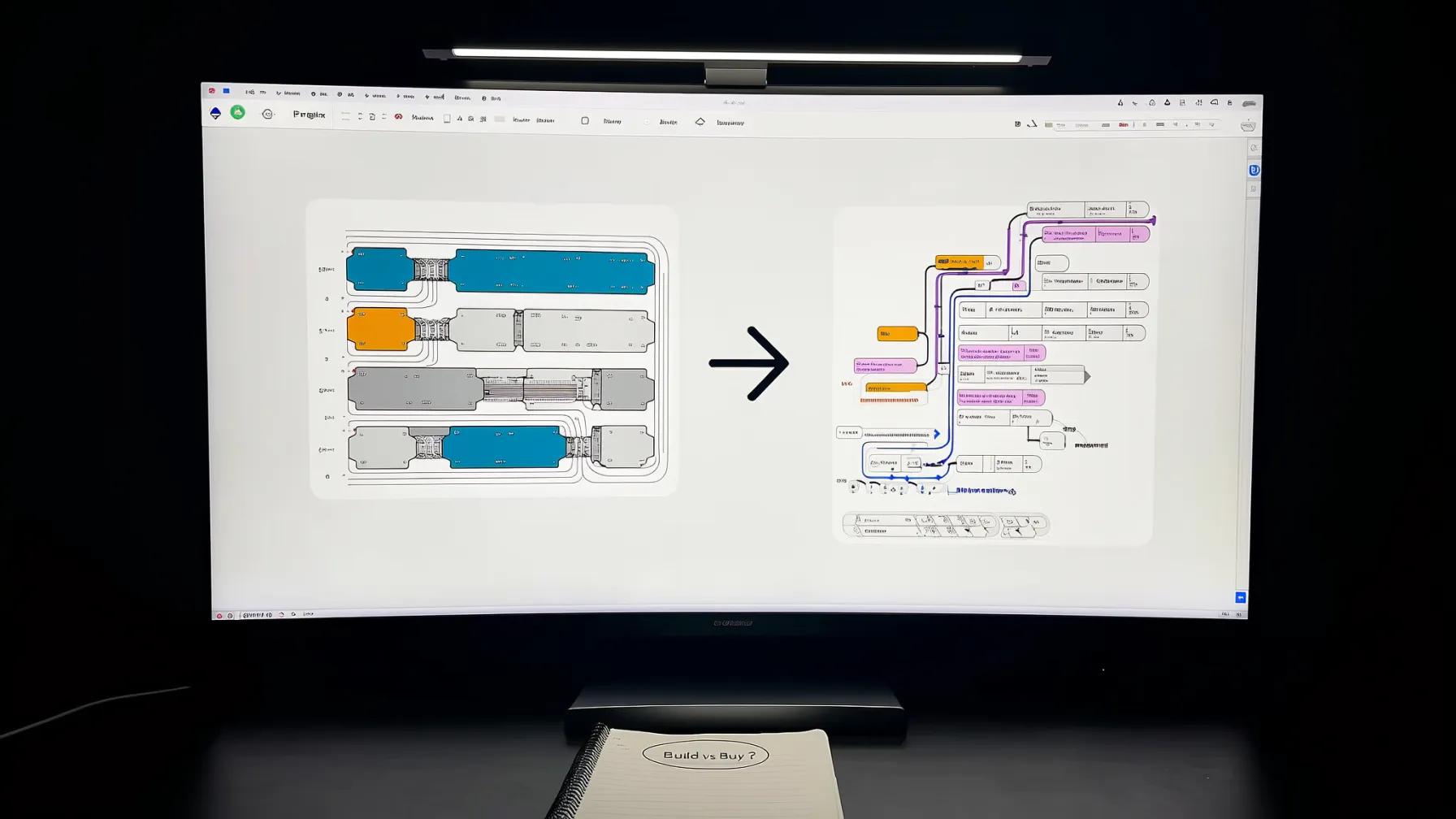
Every company hits this inflection point. You've duct-taped together a dozen Zaps or Make scenarios. They work — mostly. But now someone wants branching logic based on CRM data, another team needs the workflow to call a custom ML model, and your monthly task bill just crossed into four figures. The question lands: should we keep building on Zapier/Make, or is it time to go custom?
It's not a binary choice, and the right answer depends on where you are, what you're automating, and how fast you need to move. Here's how we think about it.
The iPaaS Boom: Why This Question Matters Now
The integration platform market is enormous and accelerating. According to Gartner's 2024 Market Share Analysis, the iPaaS market grew 23.4% to $8.5 billion in 2024. Gartner forecasts it will exceed $17 billion by 2028. That growth is fueled by AI adoption, no-code/low-code tooling, and the ongoing explosion of SaaS apps that need to talk to each other.
Zapier and Make sit at the accessible end of this market. They've democratized automation — any ops manager or marketer can wire up a workflow in an afternoon. That's genuinely powerful. But accessibility and scalability are different things.
Where Zapier and Make Shine
Let's give credit where it's due. Off-the-shelf automation platforms are excellent for specific use cases:
- Point-to-point integrations. New form submission → create CRM contact → send Slack notification. Zapier's sweet spot is exactly this kind of linear, trigger-action workflow.
- Rapid prototyping. Need to test whether a workflow concept has value before investing engineering time? Spin it up in Make in an hour. If nobody uses it, you've lost an hour, not a sprint.
- Non-technical team ownership. Marketing can manage their own lead routing. Sales ops can adjust their deal-stage notifications. No engineering tickets required.
- Massive app ecosystem. Zapier connects to 8,000+ apps. Make offers 1,800+ with deeper configuration per module. For standard SaaS-to-SaaS connections, the integration already exists.
Zapier's free tier starts at 100 tasks/month with two-step Zaps, and paid plans begin at $19.99/month. Make's operation-based pricing can be more economical for complex multi-step scenarios. Both are reasonable entry points.
Where They Hit a Ceiling
The limitations aren't theoretical. They show up fast once your automation ambitions grow beyond simple if-this-then-that patterns.
1. Logic Complexity
Zapier workflows are fundamentally linear. You can branch, but building deeply nested conditional logic — the kind where step 7 depends on the output of step 3 combined with a lookup from step 5 — gets unwieldy fast. Make's visual scenario builder handles complexity better than Zapier, but even it struggles with workflows that need to maintain state across runs or coordinate multiple parallel execution paths.
2. Cost at Scale
Both platforms charge per execution unit (tasks in Zapier, operations in Make). This is fine at low volumes, but the math changes fast. A workflow that processes 50,000 records monthly, with 8 steps each, means 400,000 operations. At that scale, you're paying thousands per month for what is, architecturally, a series of API calls — something a custom Lambda function could handle for a fraction of the cost.
3. Custom AI Integration
Both Zapier and Make now offer built-in AI steps (OpenAI, Claude, etc.). But "call GPT with this prompt" is the shallow end of AI integration. When you need to:
- Chain multiple model calls with dynamic prompt construction
- Route between different models based on task complexity
- Implement retrieval-augmented generation with your own vector store
- Fine-tune response handling with custom parsing and validation
- Maintain conversation context across workflow runs
...you're fighting the platform rather than building on it.
4. Error Handling and Observability
When a Zap fails at step 4 of 12, you get a notification and a retry button. What you don't get is structured logging, custom alerting thresholds, circuit breakers, or the ability to gracefully degrade. In production AI workflows — where model responses are non-deterministic by nature — robust error handling isn't optional. It's the whole game.
5. Data Residency and Security
Your data flows through the platform's infrastructure. For many workflows, that's fine. For workflows processing PII, financial data, or anything subject to industry-specific compliance, you may need the data to never leave your VPC. That's not an option with hosted iPaaS.
What "Custom" Actually Means
When we say "custom AI workflows," we don't mean rebuilding Zapier from scratch. We mean purpose-built automation that runs on infrastructure you control, using code that does exactly what you need — nothing more, nothing less.
In practice, a custom AI workflow stack typically includes:
- An orchestration layer — could be as simple as a Python script, as sophisticated as a workflow engine like Temporal, or as modern as an AI agent framework.
- Direct API integrations — no middleware tax. Your code calls Salesforce, Slack, or your database directly.
- AI model access — full control over model selection, prompt engineering, response parsing, and fallback logic.
- Your own data pipeline — vector stores, embeddings, RAG chains, whatever your use case demands.
- Production-grade infrastructure — logging, monitoring, alerting, auto-scaling, and deployment pipelines.
The trade-off is clear: more power and flexibility, more upfront investment. But that investment buys you something Zapier can't sell: workflows that evolve with your business instead of constraining it.
The Decision Framework
We've helped enough companies navigate this decision to have a clear framework. Here's how we think about it:
| Factor | Use Zapier/Make | Go Custom |
|---|---|---|
| Workflow complexity | Linear, 2–5 steps | Branching, stateful, 10+ steps |
| Volume | < 10K tasks/month | > 50K tasks/month |
| AI usage | Single-shot prompts | Multi-model, RAG, agents |
| Data sensitivity | Non-sensitive, public data | PII, financial, regulated |
| Team | Ops/marketing-led | Engineering resources available |
| Iteration speed | Need it today | Can invest 2–4 weeks upfront |
The gray zone — 10K to 50K tasks, moderate complexity, some AI — is where most companies live. And it's where the answer is usually: start with Zapier/Make, plan for custom.
The Hybrid Approach: What We Actually Recommend
The smartest companies don't pick one or the other. They use both strategically:
- Prototype in Zapier/Make. Validate the workflow concept with real users. Does this automation actually save time? Does the team adopt it? You'll know in a week.
- Identify graduation candidates. When a workflow becomes business-critical, hits cost thresholds, or needs capabilities the platform can't deliver — that's your signal.
- Build custom where it matters. Invest engineering effort in the workflows that drive revenue, handle sensitive data, or require sophisticated AI. These are your competitive advantages.
- Keep simple stuff simple. That Slack notification when a new deal closes? That's a Zap forever. Don't over-engineer it.
The Forrester iPaaS Landscape report (Q2 2025) notes that iPaaS offerings are evolving to support AI agents and more complex orchestration — but also that enterprises increasingly need to combine multiple integration approaches. The one-size-fits-all era is over.
How We Build Custom AI Workflows
At Last Rev, we've built AI-powered workflows for companies across e-commerce, publishing, financial services, and SaaS. Here's what the architecture typically looks like:
- Event-driven triggers — webhook receivers, queue consumers, or scheduled jobs that kick off workflows based on real business events.
- Composable AI chains — modular prompt templates, model routing (use Claude for analysis, GPT-4 for generation, a local model for classification), and structured output parsing.
- Durable execution — for long-running workflows, we use patterns that survive failures. If step 5 of 8 fails, the workflow resumes from step 5 — not step 1.
- Full observability — every model call logged with latency, token count, and cost. Every decision point traceable. Dashboards that show workflow health at a glance.
- Human-in-the-loop gates — for high-stakes actions, the workflow pauses and routes to a human for approval before proceeding.
The result isn't just automation — it's intelligent automation that gets better over time as you refine prompts, add context, and tune model selection based on real performance data.
Key Takeaways
- Zapier and Make are excellent tools — for the right use cases. Linear workflows, low-to-moderate volume, standard integrations. Don't dismiss them.
- Custom AI workflows unlock capabilities platforms can't match — multi-model orchestration, RAG, stateful execution, full data control, and production-grade reliability.
- Cost crossover happens sooner than you think. At high volumes, the per-task pricing model of iPaaS platforms can exceed the cost of custom infrastructure.
- The hybrid approach wins. Use no-code tools for prototyping and simple workflows. Build custom for your core business automation.
- Plan the graduation path early. If you start on Zapier/Make, architect your processes so they can be migrated when the time comes.
The automation landscape is maturing fast. The iPaaS market's trajectory to $17 billion by 2028 tells you this isn't a fad — it's infrastructure. The question isn't whether to automate. It's whether your automation approach can keep up with what your business actually needs.
Need help figuring out where your workflows should live? We'd love to talk through it.
Sources
- Gartner — "Market Share Analysis: Integration Platform as a Service, Worldwide, 2024"
- Boomi — "2025 Gartner Magic Quadrant for iPaaS" (citing Gartner $17B forecast)
- Forrester — "The Integration-Platform-As-A-Service Landscape, Q2 2025"
- Zapier — Official Pricing Page (2026)
- Make — Official Pricing Page (2026)
- Make — "Make vs Zapier: How Are We Different?" (2024)