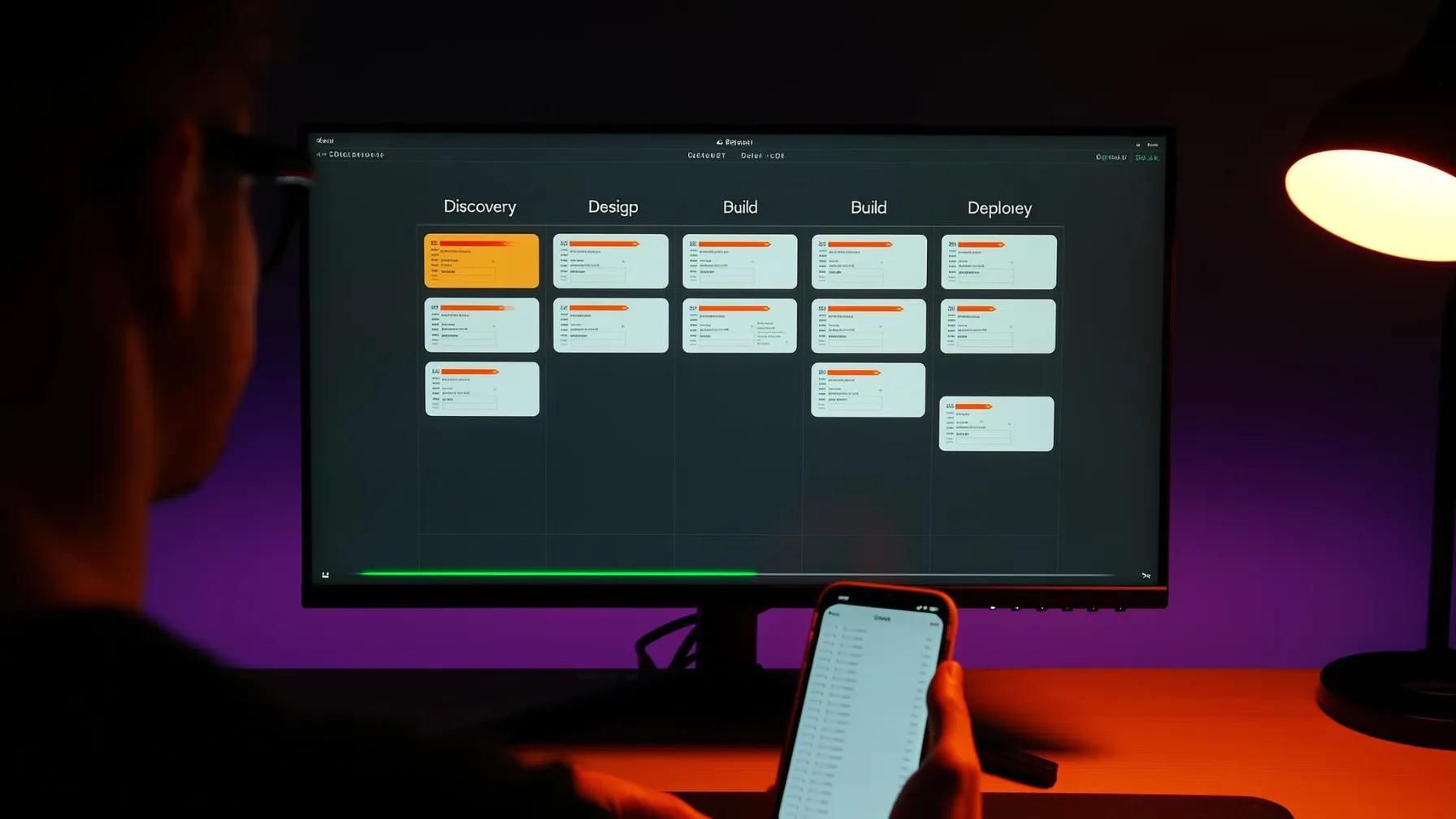
Here's a scenario we see constantly. A company has a CRM, an ERP, a handful of internal tools, maybe a data warehouse... and someone asks, "Can we build an AI app that actually uses all of this?" The answer is yes. But the process matters a lot more than people think.
Most AI integration projects don't fail because the model doesn't work. They fail because nobody mapped the plumbing. MuleSoft's 2025 Connectivity Benchmark found that 95% of organizations face challenges integrating AI into existing processes, and only 29% of enterprise applications are actually connected to each other. That's the real problem. The AI is the easy part... getting it to talk to everything else is where projects live or die.
This post walks through the actual process, phase by phase, for building an AI application that connects to your existing systems without ripping anything out.
Phase 1: Map the Landscape Before You Write a Line of Code
The first thing we do on any AI integration project is inventory what exists. Not just the systems themselves, but how data flows between them today. Who owns each system? What APIs are available? What's the data quality like? Where are the silos?
This sounds boring. It is boring. It's also the phase that determines whether the project succeeds or becomes a six-month money pit.
Here's what we're mapping:
- Source systems and their APIs. Does your CRM expose a REST API? Is it rate-limited? Does your ERP have a modern API layer, or are we talking SOAP endpoints from 2009?
- Data formats and quality. Is customer data consistent across systems? Or is "Acme Corp" in Salesforce and "ACME Corporation" in your billing system and "acme" in Slack?
- Authentication and access controls. Who has access to what? Are there service accounts we can use, or does every integration need per-user auth?
- Data sensitivity. What's PII? What's governed by compliance requirements? Where can data flow and where can't it?
This phase typically takes 1-2 weeks. Teams that skip it end up discovering these problems mid-build, which is way more expensive than discovering them upfront.
Phase 2: Define the Integration Architecture
Once you know what you're working with, you design how the AI application will connect to everything. This is where architectural decisions get made that you'll live with for years.
There are three core patterns we see work in practice:
The API Gateway Pattern
Your AI app talks to a single gateway layer, which handles routing, authentication, and rate limiting across all your backend systems. This is the cleanest approach when you have systems with modern APIs. The gateway becomes your abstraction layer... if you swap out your CRM next year, only the gateway config changes, not the AI app.
The Data Lake Pattern
Instead of querying systems in real time, you ETL (extract, transform, load) data into a centralized store. The AI app reads from the lake. This works well when you need to combine data from multiple systems for context, or when source systems can't handle the query load an AI app generates. The trade-off is freshness; your data is only as current as your last sync.
The Hybrid Pattern
Most real-world projects end up here. Some data gets synced to a data lake for AI training and retrieval (think: historical support tickets, product catalogs, knowledge base articles). Other data gets fetched in real time (think: current customer account status, live inventory levels, open tickets). The AI app uses both, depending on the use case.
The architecture decision depends on your latency requirements, data freshness needs, source system capabilities, and budget. There's no universal right answer... only the right answer for your specific situation.
Phase 3: Build the Data Pipeline
This is where the real engineering starts. Data pipelines are the connective tissue between your existing systems and the AI application. They're also where most integration projects hit their first major snag.
A production data pipeline needs to handle:
- Extraction from source systems via APIs, database connectors, or webhook listeners
- Transformation to normalize formats, resolve entities, and clean dirty data
- Loading into whatever storage the AI app needs: vector databases for retrieval, feature stores for model inputs, or application databases for structured queries
- Error handling for when source systems are unavailable, data is malformed, or loads fail partway through
- Monitoring so you know when data stops flowing before your users notice
McKinsey's 2025 State of AI survey found that 88% of organizations use AI in at least one business function, but nearly two-thirds haven't begun scaling it across the enterprise. The data pipeline is usually the bottleneck. Getting AI to work with one system is straightforward. Getting it to work with five systems that all have different data formats, update frequencies, and access patterns is a different beast entirely.
Phase 4: Build the AI Application Layer
Now you build the actual AI application. By this point, you've mapped the systems, designed the architecture, and built the data pipelines. The AI layer sits on top of all of that.
The application layer typically includes:
- A model orchestration layer that routes requests to the right AI model based on the task. Simple classification? Use a fast, cheap model. Complex reasoning over multiple data sources? Route to something more powerful. Model orchestration can cut AI costs by 40-60% when done right.
- A retrieval layer that pulls relevant context from your connected systems before the model generates a response. This is where your data pipeline investment pays off... the AI can only be as good as the context it receives.
- Guardrails and validation that check model outputs before they reach users or write back to source systems. You don't want the AI updating your CRM with hallucinated data.
- An action layer that lets the AI write back to source systems when appropriate... creating tickets, updating records, sending notifications.
The key insight here is that the AI model itself is just one component. The orchestration, retrieval, guardrails, and action layers are where most of the engineering effort goes. The gap between an AI prototype and production software is almost entirely in these surrounding layers.
Phase 5: Security, Compliance, and Access Control
This phase can't be an afterthought. When an AI app connects to your CRM, ERP, and internal tools, it has access to sensitive data across multiple systems. The security surface area is significant.
What needs to be in place:
- Row-level access controls. Just because the AI app can see all customer data doesn't mean every user should. The AI needs to respect the same access controls as the source systems.
- Audit logging. Every query, every action, every data access gets logged. When someone asks "who saw this customer record and when?" you need an answer.
- Data residency. If your ERP data can't leave a specific region, neither can the AI processing that data. This matters especially for companies using cloud-based AI APIs.
- Prompt injection defenses. When AI apps pull data from external systems, that data can contain adversarial inputs. Your guardrails need to handle this.
Deloitte's 2026 State of AI in the Enterprise report found that only one in five companies has a mature governance model for autonomous AI agents. That's a problem when these agents are connected to production business systems. Security and compliance can't be retrofitted... they need to be designed in from Phase 2.
Phase 6: Test with Real Data, Not Demo Data
Here's where most AI integration projects get their first reality check. The app worked great with clean test data. Now you point it at real production data and... things get interesting.
Real data is messy. Fields are missing. Formats are inconsistent. Edge cases that "never happen" happen constantly. An AI app that integrates with existing systems needs to handle all of this gracefully.
Our testing process includes:
- Integration tests that verify data flows correctly from each source system through the pipeline to the AI layer
- Evaluation datasets built from real queries and real data, not synthetic examples
- Load testing that simulates production traffic patterns against the actual source system APIs (you'd be surprised how often a CRM API that handles 10 queries per second falls over at 100)
- Failure mode testing that verifies the app degrades gracefully when a source system is unavailable
Rolling out AI features incrementally is critical here. Don't launch to everyone at once. Start with a small group, watch the monitoring, fix what breaks, and expand gradually.
What the Timeline Actually Looks Like
Here's a realistic timeline for building an AI app that integrates with 3-5 existing enterprise systems:
| Phase | Duration | Key Output |
|---|---|---|
| 1. Discovery & Mapping | 1-2 weeks | System inventory, data flow map, API assessment |
| 2. Architecture Design | 1-2 weeks | Integration architecture, tech stack decisions |
| 3. Data Pipeline Build | 3-6 weeks | Working data pipelines with monitoring |
| 4. AI Application Layer | 4-8 weeks | Functional AI app with orchestration and guardrails |
| 5. Security & Compliance | Parallel with 3-4 | Access controls, audit logging, governance |
| 6. Testing & Rollout | 2-4 weeks | Validated system, incremental deployment |
Total: roughly 10-20 weeks depending on the number of systems, data complexity, and compliance requirements. That's for the initial build. AI applications that connect to existing systems are never truly "done"... they evolve as your systems change, models improve, and users discover new use cases.
The Mistakes That Kill Integration Projects
After building dozens of these integrations, the failure patterns are predictable:
Skipping the discovery phase. Teams jump straight to building because they "already know their systems." They don't. There are always surprises... undocumented API limitations, data quality issues nobody mentioned, or compliance requirements that surface at the worst possible time.
Treating integration as a one-time task. Your CRM gets updated. Your ERP vendor changes their API. A new compliance requirement drops. AI integration is ongoing maintenance, not a project with a finish line.
Building point-to-point connections instead of an abstraction layer. Connecting your AI app directly to each system creates a brittle web of dependencies. When you need to swap a system, everything breaks. Building with abstraction layers prevents vendor lock-in and makes future changes dramatically easier.
Ignoring data quality until it's too late. Garbage in, garbage out applies doubly to AI. If your source data is inconsistent, your AI outputs will be unreliable. Data quality remediation needs to happen during the pipeline phase, not after launch.
Key Takeaways
- The process is six phases: discovery, architecture, data pipelines, AI application layer, security, and testing. Skipping any of them costs more than doing them right.
- Data pipelines are the hardest part, not the AI model. Plan accordingly.
- Build abstraction layers between your AI app and source systems. You'll thank yourself when systems change.
- Security and compliance are designed in, not bolted on. Especially when your AI touches multiple business-critical systems.
- Expect 10-20 weeks for a production integration with 3-5 systems. Factor in ongoing maintenance.
- Test with real data early. Demo data hides the problems that will bite you in production.
If you're staring at a collection of disconnected systems and wondering how AI fits into the picture... that's exactly the right question. The companies getting real value from AI aren't the ones with the fanciest models. They're the ones that figured out the integration. We'd love to talk through what that looks like for your stack.
Sources
- Salesforce / MuleSoft -- "2025 Connectivity Benchmark Report" (2025)
- McKinsey -- "The State of AI in 2025: Agents, Innovation, and Transformation" (2025)
- Deloitte -- "The State of AI in the Enterprise" (2026)
- Gartner -- "Gartner Predicts 40% of Enterprise Apps Will Feature Task-Specific AI Agents by 2026" (2025)