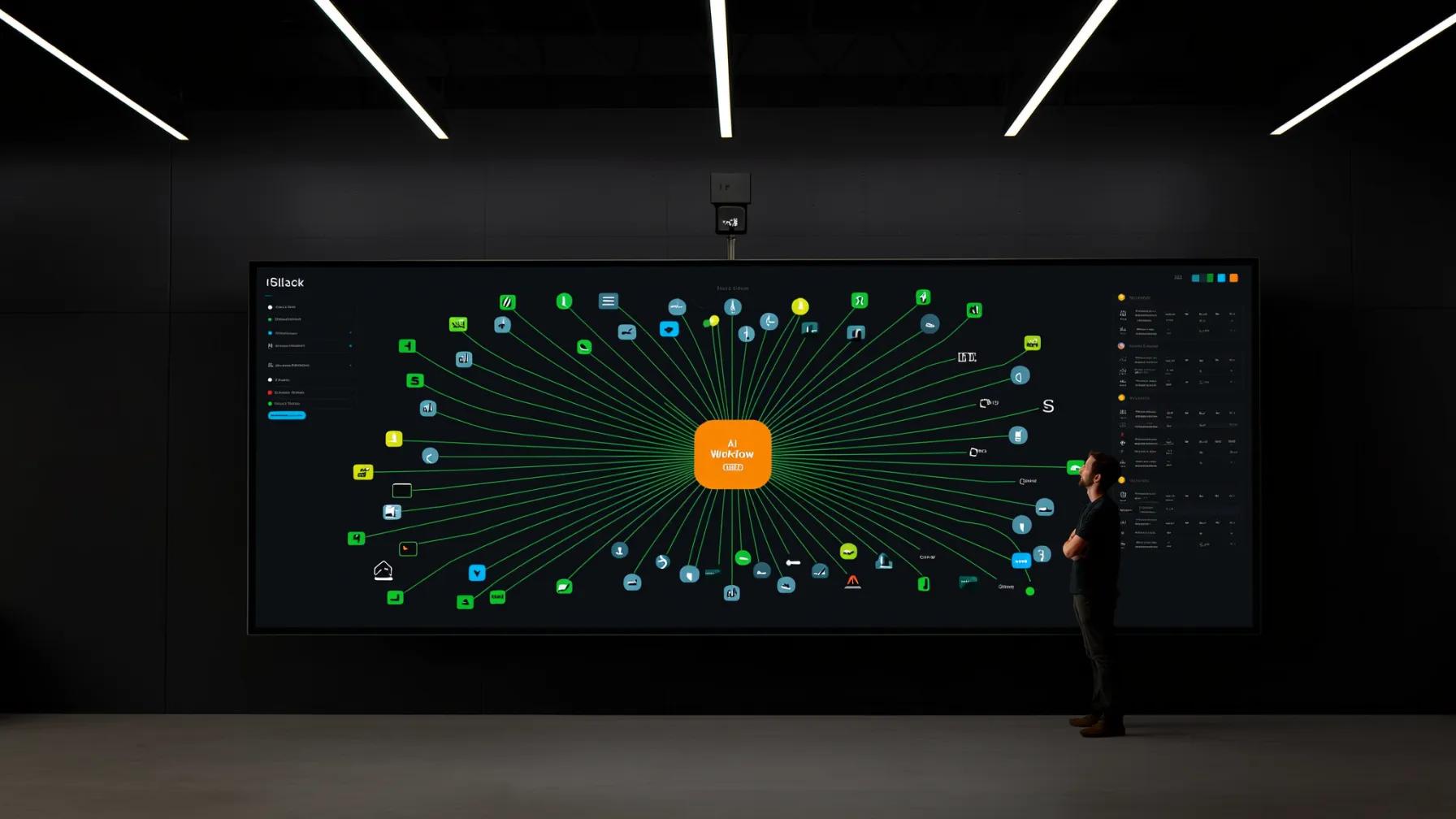
The pitch is seductive: an AI agent that reads your Slack messages, updates Jira tickets, syncs Salesforce records, and publishes content to Contentful — all automatically. The reality? Getting AI workflows to reliably connect with enterprise tools is one of the hardest integration problems in software.
It's not the AI part that's difficult. It's everything around it: authentication, rate limits, data mapping, error recovery, and the sheer variety of API designs across the tools your business depends on.
Here's what's actually involved — and what to expect if you're planning to build these workflows for your organization.
The Integration Gap Is Real
According to MuleSoft's 2025 Connectivity Benchmark Report (surveying 1,050 enterprise IT leaders), 93% of organizations have implemented or plan to implement AI agents in the next two years. But here's the catch: only 29% of applications are typically connected within organizations. That means AI agents are being built on top of fragmented, siloed data.
This isn't a theoretical problem. When an AI workflow can't access the right data from the right system at the right time, it makes bad decisions. The MuleSoft report found that 80% of businesses cite data integration as a major challenge for AI adoption.
Forrester's Q2 2025 iPaaS Landscape report reinforces this: enterprises are increasingly turning to integration platforms to "automate the business through APIs and AI agents," but selecting the right approach requires understanding a diverse vendor landscape that varies by size, use case, and technical depth.
Authentication: The First (and Hardest) Wall
Every integration starts with authentication, and every tool does it differently. Slack uses OAuth 2.0 with granular scopes. Salesforce has its own OAuth flow with a connected app model. Jira Cloud uses OAuth 2.0 (3LO) with Atlassian's identity platform. Contentful offers OAuth plus personal access tokens and API keys for different use cases.
Here's what makes this hard for AI workflows specifically:
- Token lifecycle management. OAuth tokens expire. Refresh tokens can be revoked. Your AI workflow needs to handle token refresh gracefully — mid-operation if necessary — without dropping data or duplicating actions.
- Scope negotiation. An AI agent that reads Slack channels needs different scopes than one that posts messages or manages channels. Over-requesting scopes gets your app rejected in review. Under-requesting means the workflow breaks when it tries something the token doesn't allow.
- Multi-tenant complexity. If you're building workflows that serve multiple teams or clients, you're managing separate OAuth credentials per workspace, org, or site. That's a credential management problem at scale.
- Security requirements. Enterprise environments often require additional layers: IP allowlisting, mutual TLS, or SAML-based SSO before OAuth even begins. As noted by the OAuth 2.0 specification community, the protocol's flexibility is both its strength and its primary source of implementation complexity.
API Design: Every Tool Speaks a Different Language
Once authenticated, you'd think the hard part is over. It's not. Every tool has its own API design philosophy:
- Slack uses a flat REST API with over 200 methods. Pagination is cursor-based. Rate limits are per-method and per-workspace, with different tiers for different endpoints.
- Salesforce offers REST, SOAP, Bulk, and Streaming APIs — each optimized for different use cases. A simple "update a contact" operation might use REST, but syncing 50,000 records needs the Bulk API with a completely different interaction pattern.
- Jira has moved to Atlassian's V3 REST API with a resource-oriented design, but legacy V2 endpoints still lurk. Custom fields use opaque IDs that vary per instance. JQL (Jira Query Language) is powerful but has its own syntax your AI needs to understand.
- Contentful has separate Content Delivery and Content Management APIs, each with different base URLs, authentication methods, and rate limits. The Content Management API requires understanding content types, locales, environments, and publish workflows.
An AI workflow that touches all four of these tools needs four different API clients, four different error handling strategies, and four different data models. That's before you write a single line of AI logic.
Data Mapping and Transformation
The real work in any integration is translating between data models. A "customer" in Salesforce is a Contact or Account (or both). In Jira, it might be a reporter or an assignee on a ticket. In Slack, it's a user ID. In Contentful, it's an entry with a custom content type you defined.
For AI workflows, this matters more than in traditional integrations because:
- Context is everything. An AI agent deciding whether to escalate a support ticket needs to understand that the Salesforce Account's "health score," the Jira ticket's priority, and the Slack conversation's sentiment are all describing the same customer relationship.
- Schema drift is constant. Custom fields get added in Salesforce. Content types evolve in Contentful. Jira workflows change. Your AI workflow needs to handle schema changes gracefully, not crash when a field disappears.
- Data quality varies wildly. Salesforce records might have inconsistent formatting. Slack messages contain emoji, threads, and informal language. Your data transformation layer needs to normalize all of this before the AI can reason about it.
Rate Limits, Retries, and Reliability
Every SaaS API has rate limits, and AI workflows are particularly prone to hitting them. Why? Because AI agents are chatty. A single user request might trigger 10-20 API calls as the agent gathers context, makes decisions, and takes actions across multiple systems.
The rate limit landscape:
- Slack: Tier 1 methods allow 1 request per minute; Tier 4 allows 100+ per minute. Web API and Events API have separate limits.
- Salesforce: Governed by daily API call limits based on your org's edition and license count. Bulk API has separate concurrent request limits.
- Jira Cloud: Rate limits are dynamic and per-user, with specific limits for different API families.
- Contentful: CMA allows 10 requests per second; CDA allows 78 requests per second per environment.
A robust AI workflow needs: request queuing, exponential backoff with jitter, circuit breakers that pause workflows when limits are approached, and idempotency keys to prevent duplicate operations on retries.
Orchestration: Coordinating Actions Across Systems
This is where AI workflow design diverges from traditional integration patterns. In a traditional iPaaS flow, the sequence is deterministic: trigger → transform → load. In an AI workflow, the agent decides what to do next based on context.
Consider a workflow where an AI agent monitors Slack for customer issues:
- Detect a customer complaint in a Slack channel
- Look up the customer in Salesforce to get account context
- Check Jira for existing open tickets from this customer
- Decide whether to create a new Jira ticket or update an existing one
- Draft a response in Slack with relevant context
- If the issue is content-related, check Contentful for the relevant entry
Steps 2-6 aren't predetermined. The AI agent decides the path based on what it finds at each step. This means your orchestration layer needs to support:
- Conditional branching based on AI reasoning, not just data values
- Parallel execution where independent lookups (Salesforce + Jira) happen simultaneously
- Rollback handling when a later step fails — you can't un-send a Slack message, but you can update it
- State management to track what the agent has done and what it's learned across steps
Error Handling: What Happens When Things Break
In production, things always break. APIs go down. Tokens expire mid-operation. Rate limits get hit. Data doesn't match expected schemas. AI workflows need error handling strategies for each failure mode:
- Transient failures (503, timeout): Retry with backoff
- Auth failures (401, 403): Attempt token refresh, then alert if refresh fails
- Rate limit failures (429): Queue and wait, respecting Retry-After headers
- Data validation failures: Log the unexpected data, use fallback logic, alert for investigation
- Partial completion: The hardest case — the Jira ticket was created but the Slack update failed. You need compensating actions and a clear audit trail.
Every error state needs a clear escalation path. AI workflows should degrade gracefully: if Salesforce is down, the workflow should still create the Jira ticket and note that CRM context is missing, rather than failing entirely.
Security and Compliance Considerations
AI workflows that connect to enterprise tools move sensitive data across system boundaries. That raises real security questions:
- Data residency: Where does customer data land when the AI processes it? If your Salesforce org is in the EU, does data transit through a US-based AI model?
- Least privilege: Your AI agent should have the minimum permissions needed in each tool. A workflow that reads Slack messages doesn't need write access to all channels.
- Audit logging: Every action the AI takes across every system needs to be logged — what it read, what it changed, and why. This isn't optional for regulated industries.
- Credential isolation: OAuth tokens and API keys for each integration should be stored in a secrets manager with strict access controls, not in environment variables or config files.
How We Approach This at Last Rev
We've built enough of these workflows to have strong opinions about what works. Here's our approach:
- Start with the integration layer, not the AI. Before writing any prompts or agent logic, we build and test the connections to each tool independently. If the plumbing doesn't work, the AI doesn't matter.
- Use a unified abstraction layer. We build a tool interface that normalizes API interactions across Slack, Salesforce, Jira, Contentful, and whatever else the client needs. The AI agent talks to one consistent interface, not four different APIs.
- Design for partial failure. Every workflow is built assuming that any external system can fail at any time. Circuit breakers, fallback logic, and compensating transactions are designed in from day one — not bolted on after the first outage.
- Implement progressive trust. New AI workflows start with human-in-the-loop approval for every action. As confidence builds (measured by success rates and audit reviews), we gradually increase automation. A workflow that's been reliably creating Jira tickets for three months earns the right to do it without approval.
- Monitor cost per workflow execution. AI workflows that call multiple APIs and multiple LLM inferences can get expensive fast. We instrument every workflow to track cost per execution and alert when costs spike — usually a sign of agent loops or unexpected data volumes.
Key Takeaways
- Building AI workflows that connect to enterprise tools is fundamentally an integration problem before it's an AI problem
- Authentication, rate limiting, and data mapping are where most teams underestimate the effort
- AI workflows differ from traditional integrations because the execution path is non-deterministic — the agent decides what to do based on context
- Error handling and partial failure recovery are critical — production systems break in ways demos never reveal
- Security, audit logging, and credential management are non-negotiable, especially in regulated industries
- Start with the integration layer, build trust progressively, and monitor cost relentlessly
If you're evaluating how to connect AI workflows to your existing tools — or you've tried and hit the walls we've described — we'd like to hear about it. This is the kind of problem that benefits from teams who've done it before.
Sources
- Salesforce / MuleSoft — "Integration Key as 93% of IT Leaders Turn to AI Agents Amid Soaring Resource Demands" (2025)
- Forrester — "The Integration-Platform-As-A-Service Landscape, Q2 2025"
- McKinsey — "The State of AI: Global Survey 2025"
- OAuth 2.0 — Official Specification and Community Resources
- Contentful — Content Management API Reference
- Slack — API Rate Limits Documentation